How to Register on GD Emerald – Step-by-Step Sign Up Guide for Filipino Players
Why You Need to Register Before Playing on GD Emerald
GD Emerald requires every player to create and verify an account before placing any bet or playing any game. Registration locks your funds and winnings to your personal account, protects your transaction history, and ensures only players 21 years old and above can access the platform.
Without a registered account, you cannot deposit pesos, browse slot titles, join live dealer tables, or place bets on PBA, NBA, or volleyball matches. The platform also uses your verified profile to process GCash, Maya, and bank transfer withdrawals, so skipping registration means you cannot cash out any winnings.
Filipino players who register on GD Emerald gain access to the full game library—slots and jackpot games, live baccarat, roulette, blackjack, and sports betting markets. Your account dashboard tracks every deposit, bet, and withdrawal in pesos, making it easier to monitor your budget and play responsibly.
Step-by-Step Account Creation: Mobile Number, Email, and Password Setup
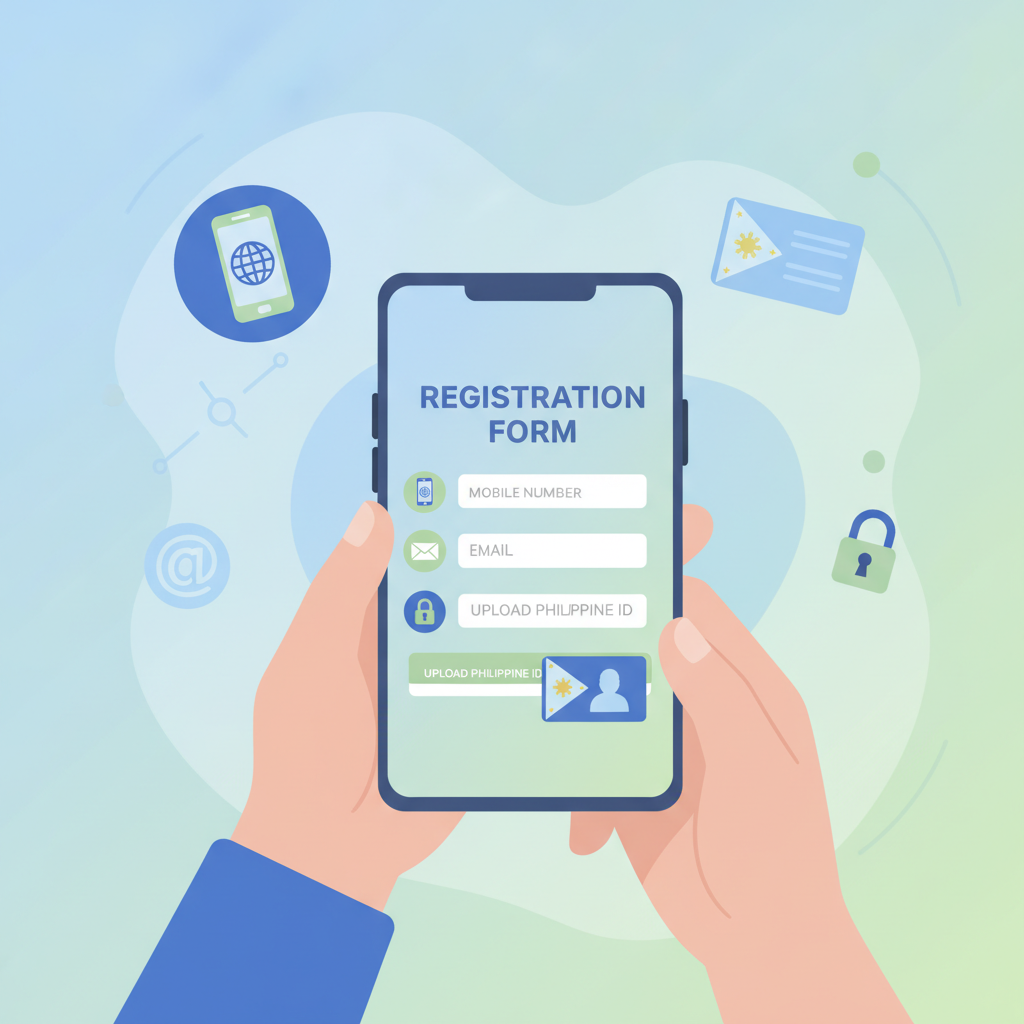
GD Emerald's registration form is designed for mobile-first users on Android phones. The entire sign-up process takes three to five minutes if you have your mobile number, email address, and a valid ID ready.
1. Open the GD Emerald website or app
Visit the official GD Emerald site through your mobile browser or download the Android app if available. Look for the "Register" or "Sign Up" button, usually placed at the top right corner of the homepage.
2. Enter your mobile number
Type your active Philippine mobile number in the first field. GD Emerald sends a one-time password (OTP) to this number to confirm you own it. Make sure the number is correct—this will be your primary contact for account updates and security alerts.
3. Verify your mobile number with the OTP
After you submit your mobile number, GD Emerald sends a six-digit code via SMS. Enter the OTP in the next field within the time limit, usually two to three minutes. If you do not receive the code, check your signal or request a resend.
4. Provide your email address
Enter a working email address you check regularly. GD Emerald uses this email to send confirmation messages, account approval updates, and security notifications. Avoid disposable or temporary email services—these may cause verification delays.
5. Create a strong password
Choose a password with at least eight characters, mixing uppercase and lowercase letters, numbers, and symbols. A strong password protects your account and your peso balance. Write it down or save it in a password manager; you will need it every time you perform a GD Emerald login.
6. Fill in personal details
The form asks for your full name (as it appears on your government ID), date of birth, and address. Double-check spelling and accuracy—mismatched information can delay ID verification or block your first withdrawal.
7. Accept the terms and conditions
Read the checkbox statement confirming you are at least 21 years old and agree to GD Emerald's terms. Players under 21 cannot create an account or play on the platform.
8. Submit your registration
Tap the "Register" or "Create Account" button. If all fields are complete and correct, the system creates your account and logs you in automatically or sends you to the verification page.
ID Verification Requirements and Document Upload for Filipino Players
After you complete the GD Emerald register form, the platform requires identity verification before you can make your first withdrawal. Some players are asked to verify immediately; others can deposit and play first, but must verify before cashing out.
Accepted IDs for Filipino players
GD Emerald accepts government-issued identification documents with your photo, full name, date of birth, and ID number clearly visible. Commonly accepted IDs include:
- Philippine passport
- Driver's license
- PhilHealth ID
- SSS or GSIS UMID card
- Postal ID
- National ID (PhilSys)
- Voter's ID
- PRC professional license
Make sure your ID is not expired. Blurry, cropped, or edited photos are usually rejected.
How to upload your ID
Log in to your GD Emerald account and navigate to the profile or verification section, often labeled "Account Verification," "KYC," or "Upload Documents."
- Take a clear photo of the front of your ID. Use good lighting and place the ID on a flat, plain surface. All four corners and every line of text must be visible.
- Take a photo of the back of your ID if it contains additional information like your address or signature.
- Upload both images through the platform's upload tool. Some systems ask for a selfie holding your ID next to your face—this confirms you are the person in the ID photo.
- Submit the documents. The platform queues your files for review by the verification team.
Proof of address (sometimes required)
In some cases, GD Emerald asks for a recent utility bill, bank statement, or government correspondence showing your name and address. The document should be dated within the last three months. Check the verification page or customer support message to see if this step applies to you.
What Happens After You Submit – Account Approval Timeline
Once you submit your registration details and ID documents, GD Emerald's verification team reviews your information. The approval process depends on submission volume, document quality, and the completeness of your profile.
Typical approval timeline
Most accounts are verified within 24 to 48 hours on business days. If you register on a weekend or Philippine public holiday, expect an extra day or two. The platform sends an email or SMS notification when your account is fully approved.
What to do while waiting
You can log in, browse the game catalog, and in many cases, make your first deposit using GCash, Maya, or bank transfer. You can play slots, try live dealer games, and bet on sports. However, withdrawal requests are usually held until your ID is verified.
If verification is delayed or rejected
Check your email or account inbox for messages from GD Emerald. Common rejection reasons include:
- Blurry or incomplete ID photo: Retake the image in better light and resubmit.
- Name mismatch: The name on your ID must match the name you entered during registration.
- Expired ID: Upload a current, valid document.
- Underage: Players under 21 cannot register or play on GD Emerald.
If your documents are rejected, correct the issue and upload again. For questions, contact GD Emerald's customer support through live chat or the email address listed on the site.
When your account is approved
You receive a confirmation message, and your account status changes to "Verified" or "Approved." At this point, you can deposit, play, and request withdrawals with no restrictions. Your peso balance and winnings are fully accessible through GCash, Maya, InstaPay, or PESONet.
21+ Age Requirement and Responsible Gambling Reminder
GD Emerald is strictly for players 21 years old and above. The platform checks your date of birth during registration and verifies it against your government-issued ID. Underage accounts are blocked immediately, and any deposits are refunded according to the platform's refund policy.
Online casino games, sports betting, and bingo are forms of entertainment that involve real money and real risk. Set a budget in pesos before you start, and never deposit more than you can afford to lose. GD Emerald offers tools to help you play responsibly, including deposit limits, session reminders, and self-exclusion options. Explore these features in your account settings.
If you feel your gambling is becoming a problem, reach out to local support organizations or use the responsible gambling resources provided on the GD Emerald website. Remember: gambling should be fun, not a way to solve financial problems.
Ready to register? Visit the official GD Emerald website, follow the steps in this guide, and complete your account setup in minutes. Once your GD Emerald register process is finished and your ID is verified, you can make your first deposit and start exploring slots, live dealer tables, and sports betting on PBA, NBA, and volleyball—all from your Android phone.
Play responsibly. GD Emerald is for players 21 and over only.