GD Emerald ID Verification – What Documents Filipino Players Need to Submit
GD Emerald ID Verification – What Documents Filipino Players Need to Submit
When you register at GD Emerald and make your first deposit, you may be asked to verify your identity. This guide explains why ID verification is required, which Philippine government IDs are accepted, how to upload clear photos from your phone, and what to expect during the review process.
GD Emerald is an online casino and sportsbook for Filipino players, offering slots, live dealer tables, sports betting on PBA and NBA, and bingo. This is an independent guide to help new players understand the verification process before they start playing.
21+ only. You must be at least 21 years old to register and play at GD Emerald. Please gamble responsibly and only with money you can afford to lose.
Why GD Emerald Asks for ID Verification from Filipino Players
GD Emerald asks Filipino players to verify their identity for several important reasons:
Age verification. The platform is restricted to players 21 years old and above. ID verification confirms that you meet the minimum age requirement before you can withdraw winnings or access certain features.
Account security. Verifying your identity helps protect your account from unauthorized access. It ensures that only you can make withdrawals to your registered GCash, Maya, or bank account.
Prevention of fraud and duplicate accounts. ID checks help prevent multiple accounts under the same name and reduce fraudulent activity. One person should have only one active account.
Compliance with payment processors. GCash, Maya, InstaPay, and PESONet all have their own compliance rules. When you withdraw funds, the name on your GD Emerald account must match the name on your e-wallet or bank account. ID verification ensures this match.
Not every player is asked to verify immediately after registration. Some players can deposit and play first, while others will be prompted to submit documents when they request their first withdrawal or reach a certain deposit or betting threshold. The timing varies, but it is a standard step for all players eventually.
Accepted IDs: Government-Issued Documents Commonly Used in the Philippines
GD Emerald accepts several forms of government-issued ID that are commonly held by Filipino adults. You typically need to submit one primary valid ID that shows your full name, date of birth, and photo.
Valid Primary IDs
The following documents are generally accepted:
- Philippine Passport – Active or recently expired, showing your photo and birth date.
- Driver's License – Issued by the Land Transportation Office (LTO), with your photo and date of birth clearly visible.
- UMID (Unified Multi-Purpose ID) – The SSS-issued unified ID with photo and personal details.
- Philippine National ID (PhilSys ID) – The national identification card from the Philippine Statistics Authority, with photo and birthdate.
- Voter's ID (COMELEC ID) – Government-issued voter identification card with your photo and date of birth.
- Postal ID – Issued by PHLPost, showing photo and personal information.
- PRC ID (Professional Regulation Commission ID) – For licensed professionals, showing name, photo, and license details.
- SSS ID – Social Security System card with photo (older versions; newer unified cards fall under UMID).
- TIN ID (Tax Identification Number card) – BIR-issued ID with photo and TIN.
What the ID Must Show
Your ID should clearly display:
- Your full name as it appears on your GD Emerald account registration
- Your date of birth (to confirm you are 21 or older)
- Your photo
- The ID number and issue date or expiration date if applicable
Make sure the ID is current and not expired. Some IDs without an expiration date, like PhilSys ID or Postal ID, are acceptable as long as they are in good condition and details are legible.
Secondary or Supporting Documents
In some cases, GD Emerald may ask for an additional document if your primary ID does not show a current address or if extra verification is needed. Accepted secondary documents might include:
- Barangay Certificate or Barangay Clearance with your name and address
- Utility bill (electricity, water, internet) in your name from the last three months
- Bank statement or e-wallet statement (GCash or Maya) showing your name and address
Always check the verification instructions in your GD Emerald account or email notification for the exact documents required in your case.
How to Upload Clear Photos of Your ID Through Mobile
Most Filipino players use Android phones to access GD Emerald, so uploading ID photos is designed to be simple on mobile. Follow these steps to ensure your documents are accepted on the first try.
Step 1: Log In to Your GD Emerald Account
Open the GD Emerald website in your mobile browser or app. Enter your GD Emerald login credentials (username or email and password). Once logged in, look for a notification banner or message prompting you to complete ID verification, or navigate to your Account or Profile section and find the Verification or KYC menu.
Step 2: Select the Document Type
Choose the type of ID you will upload from the dropdown menu—for example, "Driver's License," "Passport," "PhilSys ID," and so on. Selecting the correct document type helps the review team process your submission faster.
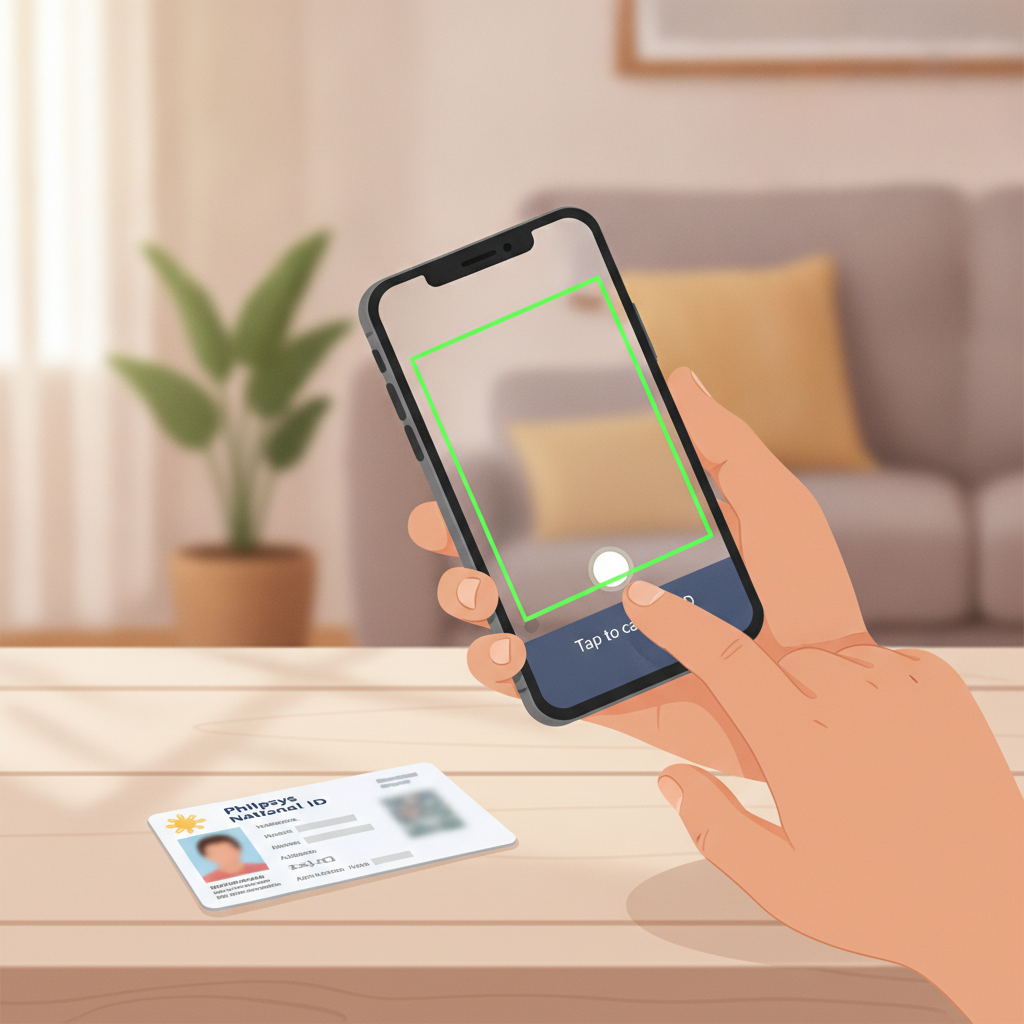
Step 3: Take Clear Photos
You will typically need to upload:
- Front side of your ID (and back side if applicable, such as for driver's license)
- Sometimes a selfie holding your ID next to your face
Tips for clear mobile photos:
- Use good lighting. Take the photo in a well-lit room or near a window during the day. Avoid shadows or glare on the ID.
- Lay the ID flat on a contrasting background (a dark table if your ID is light-colored, or a white sheet if it is dark).
- Hold your phone steady and directly above or in front of the ID to avoid blurriness. Use both hands or rest your elbows on a surface.
- Capture the entire ID within the frame. All four corners should be visible. Do not crop out any part of the card.
- Make sure text is readable. Zoom in on your phone screen after taking the photo to check that your name, birthdate, and ID number are sharp and easy to read.
- Avoid using flash if it causes glare or bright spots that hide details.
If you need to take a selfie holding your ID, make sure both your face and the ID details are clearly visible in the same shot. Hold the ID at chest level, not covering your face, and look directly at the camera.
Step 4: Upload the Photos
Tap the Upload or Choose File button for each required image. Your phone will open the camera or photo gallery. Select the photo you just took, or take a new one. Double-check the preview before submitting.
Most platforms accept JPEG or PNG image formats. Keep file sizes under 5 MB per image to avoid upload errors on slower mobile connections.
Step 5: Submit for Review
After uploading all required images, tap Submit or Send for Verification. You will see a confirmation message that your documents have been received and are under review.
What to Expect During the Verification Review Process
Once you submit your ID, GD Emerald's verification team will review your documents. Here is what typically happens:
Review time: Most verifications are completed within 24 to 72 hours on business days. During weekends or Philippine public holidays, processing may take longer.
Email or account notification: GD Emerald will notify you by email or through an in-account message once your ID verification is approved or if they need additional information.
Approval: If your documents are clear and match your account details, your account will be marked as verified. You can then proceed with withdrawals and full access to your account without restrictions.
Rejection or request for resubmission: If the photo is blurry, the ID is expired, the name does not match your registration, or any required detail is missing, GD Emerald will ask you to upload a new document. The notification will explain what was wrong. Simply log back in, upload a corrected photo, and resubmit.
Common reasons for rejection:
- Blurry or low-quality image
- ID is expired
- Name on ID does not match the name you used to register
- Corners or important details are cut off
- Glare or shadows obscure text
- Wrong document type submitted
If your submission is rejected, do not worry—it is a normal part of the process. Follow the feedback, retake your photo with better lighting or focus, and resubmit.
Can You Play While Waiting for Verification?
In most cases, yes. You can continue to deposit and play slots, live dealer games, or place sports bets on PBA, NBA, and volleyball while your verification is under review. However, you may not be able to request a withdrawal until your ID is approved. This is a security measure to ensure the funds are going to the correct person.
If you are asked to verify before making a deposit, you will need to wait for approval before funding your account. Check your account dashboard or email for specific instructions.
Responsible Gambling Reminder
GD Emerald is intended for players 21 years and older only. ID verification is a key part of enforcing this age limit and protecting younger individuals from gambling.
Please play responsibly:
- Only deposit money you can afford to lose.
- Set personal limits on your deposits and playing time.
- Take breaks and avoid chasing losses.
- If you feel that gambling is becoming a problem, seek help from local support resources or consider self-exclusion options.
This guide is provided for informational purposes by an independent source and is not affiliated with or endorsed by GD Emerald. Always verify current policies and procedures directly on the GD Emerald platform.
Summary: ID verification at GD Emerald is a straightforward process designed to confirm your age and protect your account. Filipino players can use common government IDs like a driver's license, passport, PhilSys ID, or UMID. Take clear, well-lit photos on your mobile phone, upload them through your account, and expect a response within one to three business days. Once verified, you can withdraw your winnings to GCash, Maya, or bank transfer with confidence. Remember: you must be 21 or older to play, and always gamble responsibly.