First-Time Deposit Using Maya on GD Emerald – Complete Walkthrough
Why Maya Is a Trusted Deposit Method for Filipino Players
Maya—formerly known as PayMama—has become one of the most popular e-wallet options in the Philippines. For players looking to fund their GD Emerald account, Maya offers a familiar, mobile-first way to move money quickly and securely.
Many Filipino players already use Maya for everyday payments, bills, and online shopping. That familiarity makes it a natural choice when you're ready to make your first deposit on an online casino or sportsbook. The app is widely trusted, supports instant transfers, and works on any Android or iOS device.
GD Emerald accepts Maya alongside GCash and bank transfer options like InstaPay and PESONet. If you already have a verified Maya account with a linked bank account or cash-in balance, you can complete a deposit in just a few taps without leaving your phone.
Typical deposits on GD Emerald range from PHP 100 to PHP 500, and Maya handles these amounts without friction. There's no need to visit a physical location or wait days for a transfer to clear. Once your deposit is confirmed, the funds appear in your GD Emerald balance and you can begin playing slots, live dealer tables, or placing bets on PBA, NBA, volleyball, and other sports.
This guide walks you through the entire process, from opening the deposit section on GD Emerald to checking that your PHP balance has updated.
Navigating the GD Emerald Deposit Section and Selecting Maya
Before you can deposit, you need a registered and logged-in GD Emerald account. If you haven't completed GD Emerald registration yet, you'll need to provide basic details like your mobile number, create a password, and verify your identity with a valid government ID. GD Emerald requires all players to be 21 years old or over.
Once you've logged in to your account—either through the mobile site or the GD Emerald app—look for the Deposit or Cashier button. This is usually displayed prominently on the home screen or inside the account menu, often represented by a wallet icon or a "Top Up" label.
Tap the Deposit button. You'll be taken to a page listing all available payment methods. The exact layout may vary, but you should see options for GCash, Maya, bank transfer (InstaPay or PESONet), and possibly other local channels.
Select Maya from the list. If this is your first deposit using Maya, the platform may ask you to link your Maya account or confirm your mobile number. Follow any on-screen prompts to proceed.
GD Emerald typically displays the minimum and maximum deposit limits on this screen. The minimum deposit is usually PHP 100, making it accessible even for players who want to start small. Maximum limits vary but are generally high enough for typical recreational play.
Step-by-Step: Entering Amount and Confirming Payment in the Maya App
After selecting Maya as your deposit method, GD Emerald will prompt you to enter the amount you want to deposit. Type in your desired amount in pesos. For your first deposit, PHP 100, PHP 200, or PHP 500 are common starting points.
Double-check the amount before tapping Confirm or Proceed. Once you submit, the platform will generate a payment request and redirect you to Maya—either by opening the Maya app automatically or by showing a payment link you need to tap.
If you're using an Android phone with the Maya app installed, the redirect should be seamless. The Maya app will open and display a payment confirmation screen showing:
- The amount in PHP
- The merchant name (GD Emerald or a payment processor acting on its behalf)
- A transaction reference number
Review these details carefully. Make sure the amount matches what you entered on the GD Emerald deposit page.
If everything looks correct, tap Confirm or Pay Now inside the Maya app. Maya will deduct the amount from your available balance. If your Maya wallet balance is too low, you'll need to cash in first—either by linking a bank account, using an over-the-counter partner like 7-Eleven, or transferring funds from another e-wallet.
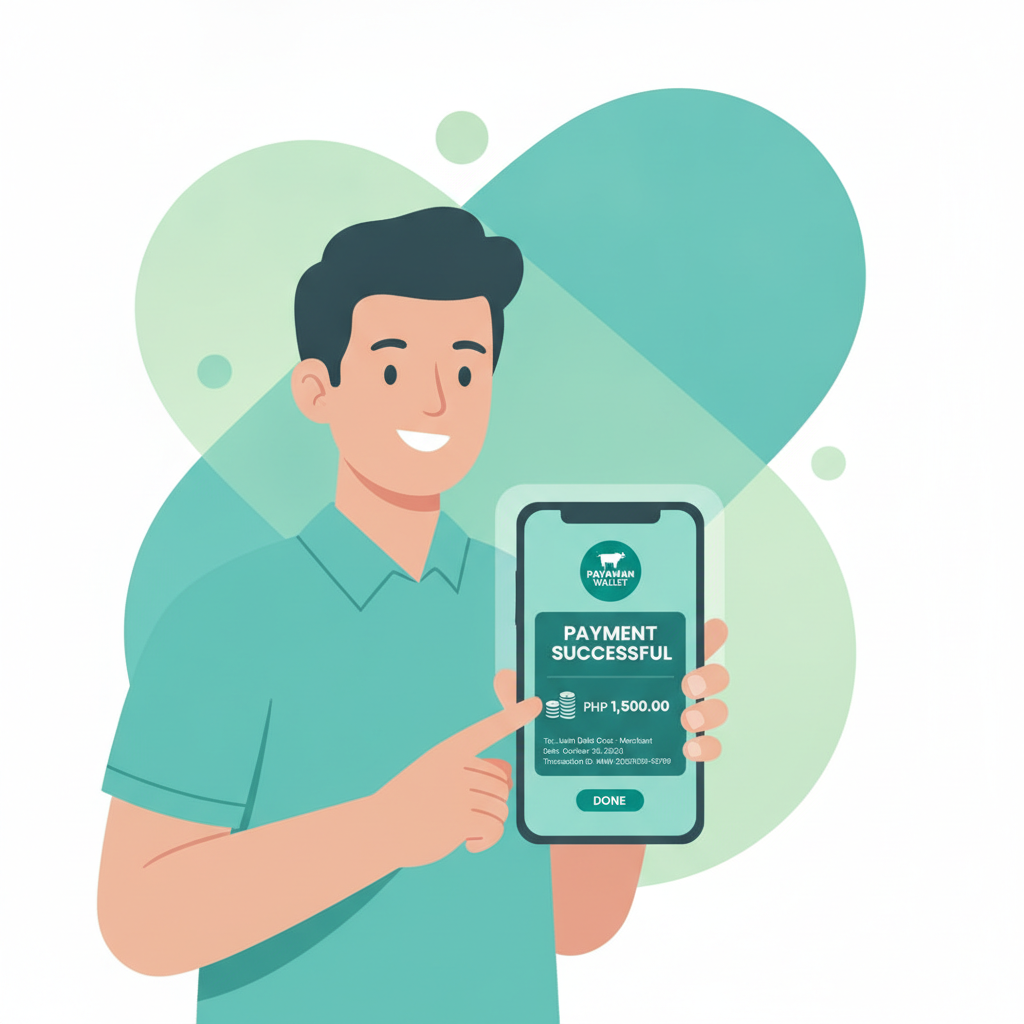
After you confirm payment, Maya will show a success message and a transaction receipt. You can take a screenshot of this for your records, though it's usually not required. The app will then redirect you back to GD Emerald, or you can manually return to your browser or the GD Emerald app.
Checking That Your PHP Deposit Appears in Your GD Emerald Balance
Once the payment is confirmed in Maya, your deposit should be credited to your GD Emerald account almost instantly. In most cases, the funds appear within seconds.
When you return to the GD Emerald home screen or cashier page, check the balance display at the top of the screen. It should now reflect your new total, including the amount you just deposited.
For example, if your balance was PHP 0 before depositing PHP 200, it should now show PHP 200. If you already had funds in your account, the new amount will be added to your existing balance.
If the balance hasn't updated after a minute or two, try these steps:
- Refresh the page or close and reopen the GD Emerald app.
- Check your Maya transaction history to confirm the payment went through. Open the Maya app, tap on your transaction list, and look for the payment to GD Emerald. If it shows as "Success" or "Completed," the money has left your Maya wallet.
- Wait a few more minutes. While most deposits are instant, occasional delays can happen due to network issues or processing times on the payment provider's side.
- Contact GD Emerald support if the deposit still hasn't appeared after 10–15 minutes. Have your transaction reference number from Maya ready. Support teams can trace the payment and resolve any issues.
Once your balance is updated, you're ready to start playing. You can browse the slots and jackpot games library, join a live dealer table for blackjack or baccarat, or head to the sportsbook to place bets on PBA, NBA, volleyball, or other events. GD Emerald also offers bingo games if you're looking for something more casual.
Remember that each game or bet type may have its own minimum stake. Slot spins can start as low as PHP 1 or PHP 5, while live dealer tables often require a minimum bet of PHP 50 to PHP 100. Sports bets vary depending on the event and market.
Understanding Minimum Deposit Amounts and What You Can Play
For first-time players, knowing the GD Emerald minimum deposit helps you plan your budget. As mentioned, the platform typically sets the floor at PHP 100 when using Maya, GCash, or bank transfer methods.
A PHP 100 deposit gives you enough to explore different game types:
- Slots: Most slots accept bets from PHP 1 to PHP 10 per spin, so PHP 100 can give you dozens of spins to try different titles.
- Live dealer games: Minimum bets are higher, often PHP 50 or PHP 100 per hand or round. A PHP 100 deposit may only cover one or two hands, so consider depositing more if live casino games are your main interest.
- Sports betting: Minimum bet amounts vary by sport and market. Simple moneyline bets on PBA or NBA games may accept stakes as low as PHP 20 to PHP 50.
- Bingo: Bingo cards are usually priced between PHP 5 and PHP 20, making this one of the most accessible options for small deposits.
If you're planning a longer session or want to try multiple game types, depositing PHP 300 to PHP 500 gives you more flexibility. You can always make additional deposits later using the same Maya method, and the process becomes even faster once your account and payment details are linked.
21+ Requirement and Gamble Responsibly Reminder
GD Emerald is intended for players who are 21 years old and over. Age verification is part of the account registration process, and the platform may request a government-issued ID to confirm your identity before you can withdraw winnings.
Online casino games and sports betting should be treated as entertainment, not a way to make money. Set a budget before you start playing and stick to it. Only deposit what you can afford to lose, and never chase losses by depositing more than you planned.
If you feel that gambling is becoming a problem, take a break. GD Emerald and other online gaming platforms offer tools like deposit limits, session time reminders, and self-exclusion options. Reach out to a responsible gambling organization in the Philippines if you need support.
Final Thoughts on Using Maya for Your First GD Emerald Deposit
Making your first deposit on GD Emerald using Maya is straightforward, especially if you're already comfortable with mobile wallets. The entire process—from logging in to seeing your new balance—can take less than five minutes.
Maya's instant transfer capability means you don't have to wait to start playing. Whether you're interested in spinning slots, joining a live baccarat table, or betting on the next PBA game, your funds are available as soon as the deposit is confirmed.
If you encounter any issues during the deposit process, GD Emerald's support team can help. Keep your Maya transaction reference number handy, and don't hesitate to ask questions if something isn't clear.
Remember, this guide is provided by an independent site to help Filipino players understand how GD Emerald works. We are not affiliated with the operator, and we do not guarantee winnings or specific payout rates. Always read the platform's terms and conditions, play responsibly, and enjoy your gaming experience within your means.